Introduction
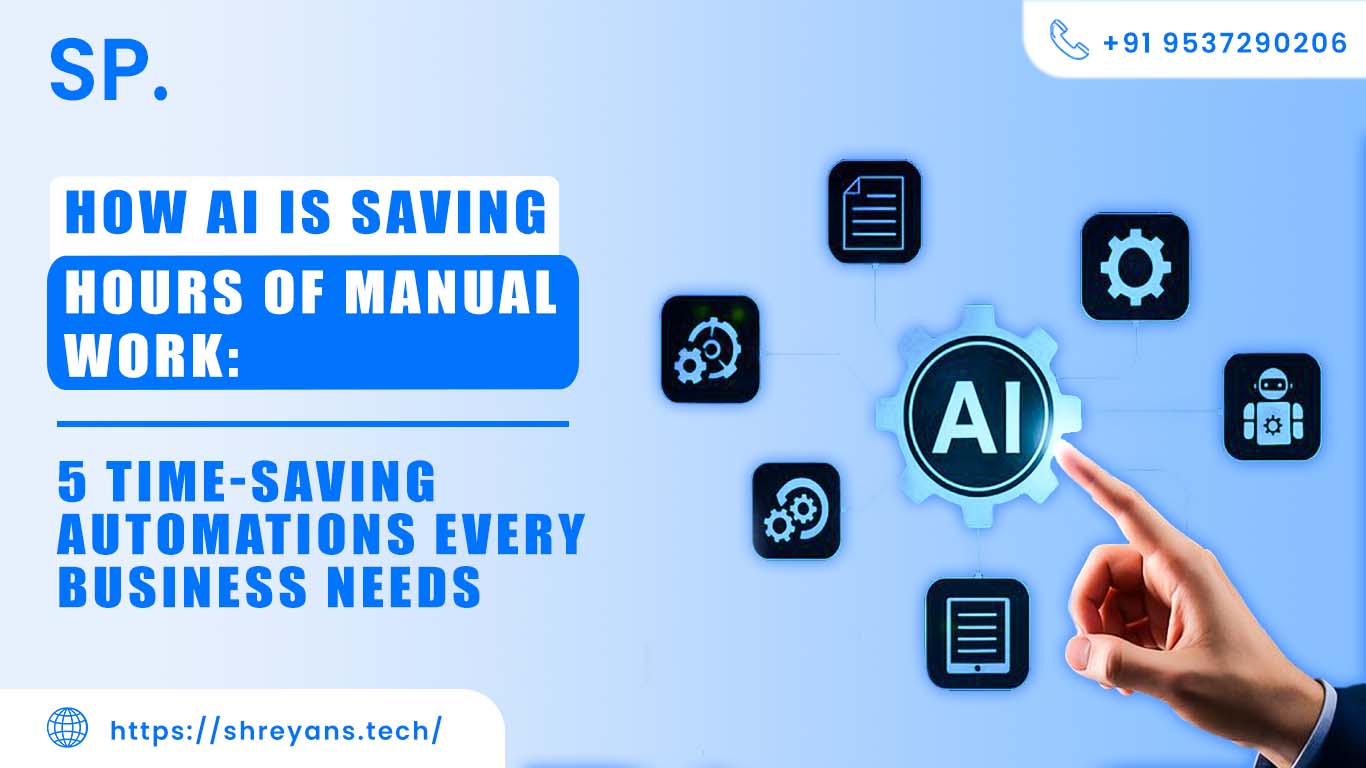
AI is not some distant promise anymore it's already inside your operations, quietly eating through the work your team dreads every morning. From killing off repetitive tasks to speeding up decisions that used to take a full afternoon, AI automation is giving businesses back hours they didn't know they were losing. Real hours. Daily.
Look, most businesses are still burning serious time on manual grunt work data entry, copy-pasting responses, chasing calendar slots, building the same report from scratch every Friday. Studies show that AI automation can hand back 10 to 20+ hours per week just by handling the stuff that never needed a human brain in the first place (and yes, when I first saw that number, I thought it was exaggerated, it's not). That's not a marginal gain. That's a second employee showing up for free.
In this post, I'll walk you through how AI is eating into manual work, and the five automations I think every business should actually have running right now.
Why AI Automation Matters for Businesses?
Here's the core idea: AI replaces the stuff your team does on autopilot the work that's necessary but that nobody would describe as their best use of a Tuesday with systems that run faster, quieter, and don't get distracted. Your people get to think. The machine gets to grind.
The wins stack up fast:
-
Faster task completion: Tasks like data entry, email replies, scheduled reports, and calendar juggling can be done in seconds once AI is in the loop. I've watched a finance team cut their end-of-week reporting from four hours to about twelve minutes with the same data, zero extra effort. Employees stop babysitting systems and start actually using the insights those systems produce.
-
Fewer human errors: Manual work and mistakes are basically a package dealing with wrong cells, missed fields, outdated records. AI follows rules consistently (which, honestly, is where most humans quietly fall apart after hour six of data entry). Better input quality means better decisions, and fewer embarrassing "sorry, I sent the wrong number" emails.
-
Faster customer response times: Chatbots, smart reply tools, and automated support systems mean your customers aren't staring at a spinning wheel at 11pm waiting for a response. They get answers instantly, 24/7. That kind of availability used to require a full overnight shift now it's a configuration setting.
-
Better overall productivity: When you pull the routine work off your team's plate, their actual output improves not just in volume but in quality. People do better creative and analytical work when they're not mentally drained from processing a hundred identical email threads. I've noticed this shift happens faster than most managers expect.
-
Lower operational costs: Less manual labor on repetitive tasks means smaller overhead, fewer rework cycles, and less money going into fixing mistakes that shouldn't have happened. You end up getting more output from the same team without burning anyone out to make it happen.
The thing is, none of this requires a massive tech overhaul. Most of it starts with one tool, one workflow, one team.
1. AI-Powered Email Management Automation
Email is a monster. Quietly, consistently, it devours time that should be going somewhere useful. Most people don't even realize how much of their day goes to just sorting, reading, and drafting replies until they track it for a week and feel a little sick about the number.
AI handles this stuff well:
Automatically categorize emails (sales, support, spam, etc.):
-
Incoming mail gets sorted without anyone touching it, sales inquiries in one bucket, support requests in another, promotional junk filtered out entirely. Nothing important disappears into a cluttered inbox. The system I've seen work best on this was set up in about an afternoon and immediately stopped three different people from emailing each other asking "did you see that client message?"
Generate quick replies:
-
AI drafts a ready-to-send response based on what the email actually says. Customer asks about order status? The reply is already written. Pricing question comes in at 6pm? Handled. Your team reviews and sends them drafts from scratch. That alone shifts the mental load significantly.
Prioritize important messages:
-
Not every email deserves the same attention, and AI is good at figuring out which ones do. It looks at content, sender history, urgency signals and surfaces the critical stuff. Executives stop missing client escalations because they were buried under a newsletter.
Filter urgent customer queries:
-
Complaints, service failures, time-sensitive requests these get flagged and routed to the right person immediately. No more "oh I didn't see that" for a message that needed a response two days ago.
Realistically, this saves 3–5 hours per week per employee in customer-facing roles. That's not padding, that's a conservative number based on actual usage.
2. Smart Customer Support Automation (Chatbots)
Support teams spend a wild amount of time answering the same twelve questions. Same questions. Every. Single. Day. AI chatbots don't get tired of that and honestly, neither do your customers when they're getting instant answers at midnight.
What AI chatbots actually do well:
-
Answer FAQs instantly: Pricing, services, order tracking, return windows, shipping times your chatbot handles all of it without a human in the loop. The response is immediate, and the customer gets the answer they needed without submitting a ticket and waiting 6 hours. If I had to guess, about 60–70% of your incoming support volume falls into this category already.
-
Provide 24/7 support: This is the one that surprised me most when I first saw it in practice. No shift changes, no holidays, no "we'll get back to you on Monday." The bot just works. Customers in different time zones get the same quality of response as your peak-hour traffic.
-
Handle multiple customers at once: One human agent can handle maybe two or three conversations simultaneously before quality drops. AI handles hundreds in parallel of the same quality, no queue. Peak hours stop being a problem you dread.
-
Escalate complex issues to humans: This is the part people miss when they think chatbots replace support teams. They don't filter. The bot takes the easy and medium stuff, and the human agents get only the complex, nuanced cases that actually need judgment. The team ends up doing better work, not just less of it.
Support teams that I've talked to report this doesn't feel like cutting staff, it feels like finally being able to do the job properly instead of drowning in volume.
3. Automated Data Entry and Reporting
Manual data entry is slow, it's boring, and it breaks in ways that are hard to catch until they matter. AI handles this end completely, and it's one of those wins that's so obvious in hindsight you wonder why it took so long to implement.
Extract data from documents and forms:
-
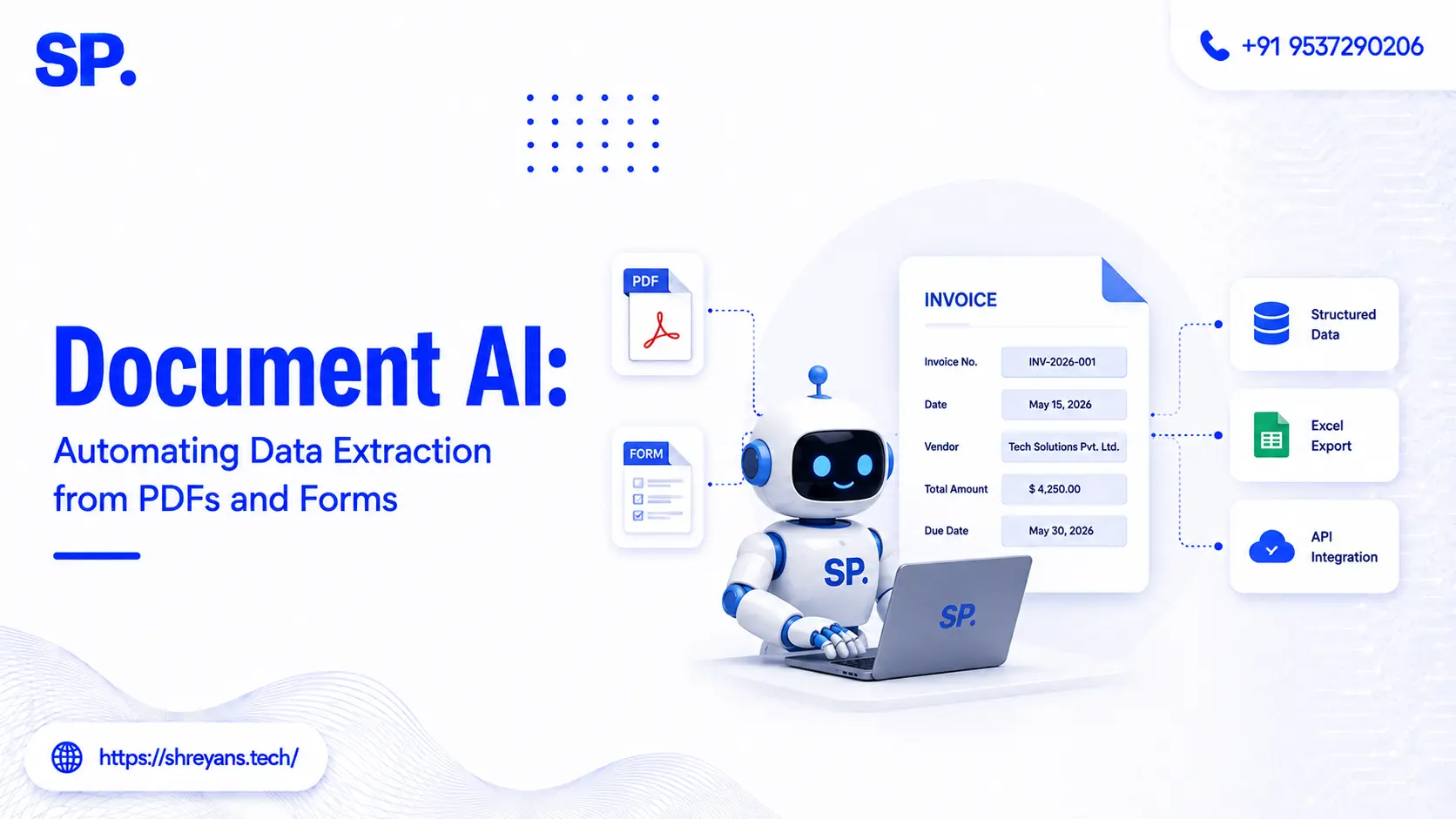
Invoices, PDFs, intake forms AI pulls the relevant fields and puts them where they need to go. No retyping, no copy-paste errors. One client I worked with had three people spending two hours daily on invoice processing alone. That number dropped to about 15 minutes after they set up extraction automation (and the two hours didn't disappear; it went toward actual analysis work).
Update spreadsheets automatically:
-
New information flows directly into Excel or Google Sheets without anyone touching it. Real-time, accurate, and consistent. The spreadsheet stops being something you trust only on the day it was last manually updated.
Generate reports in real-time:
-
Dashboards and performance summaries get built the moment the data exists, not three days later when someone finally has time to pull the numbers together. Decisions get made faster because the information is just there.
Reduce manual input work:
-
This one is almost embarrassingly straightforward. If AI can type it in accurately and instantly, there's no good reason a human should be doing it. The time savings are immediate, the error rate drops, and your team's frustration level drops with it (nobody loves data entry nobody).
For operations and finance teams, this one automation alone is often the one that makes the biggest difference in daily workload.
4. AI-Based Lead Generation and Sales Follow-Ups
Sales teams have a time problem. Too much of it goes toward hunting, sorting, and chasing leads that were never going to convert anyway. AI fixes the prioritization layer which is usually where the biggest hours go.
-
Identify high-quality leads: AI digs through browsing behavior, engagement signals, purchase intent data, and demographics to surface the people most likely to actually buy. Your sales reps stop working through a spreadsheet of 500 contacts and start with a shortlist of 40 that actually make sense to call. That's a different kind of workday.
-
Score and prioritize customers: Every lead gets a score based on how interested they actually seem. High-score leads go to the top of the call list, low-score ones get nurtured automatically. Your best salespeople spend their time where it counts not on cold curiosity clicks.
-
Send automated follow-up emails: Someone visits your pricing page three times and downloads a brochure? AI sends a personalized follow-up the same day. Cart abandonment? Triggered message, already written, no delay. This is where I've seen conversion rates move meaningfully not because the message is magic, but because the timing is right and the follow-up actually happens.
-
Track customer behavior: AI watches what people click, view, and return to and builds a picture of what they actually care about. That data feeds back into your sales messaging and your marketing strategy. You stop guessing and start knowing.
The shift in sales team morale when they stop cold-calling dead leads is real. Worth noting this might just be me, but I think that's underrated as a business outcome.
5. Smart Scheduling and Calendar Management
Here's a thing that shouldn't take as long as it does: finding a time to meet. Back-and-forth scheduling emails are a genuine time sink and they're completely solvable. AI scheduling tools already handle this, and most businesses still aren't using them.
-
Book meetings automatically: Clients and teammates pick from real-time availability without any back-and-forth. The meeting lands on the calendar. Done. I've set this up for small teams and the "when are you free?" The email chain just... disappears.
-
Suggest best available time slots: AI looks across multiple calendars, accounts for time zones and working hours, and surfaces the slots that actually work for everyone. No more "oh, I forgot about that call" because the system already knew about it.
-
Send reminders: Email, SMS, app notifications reminders go out automatically before every meeting. Attendance rates go up, no-shows drop, and you stop losing the first five minutes of calls to "hey, were we meeting now or next week?"
-
Avoid scheduling conflicts: Double-booking gets caught before it happens. The system checks availability continuously, so when someone books a slot, it's actually free, no more calendar collisions that only surface ten minutes before the call.
This saves time for everyone involved, and it's one of those automations that feels almost too simple until you count the hours you were spending on it and feel a little annoyed it took this long.
Real Impact of AI Automation on Businesses
Businesses running AI automation report consistent time savings. On average, companies get back 8–15 hours per week by automating the usual suspects email handling, scheduling, reporting, data entry. Some companies push that number much higher when automation rolls out across multiple departments at once, which compounds fast (nobody talks about the compounding part enough, but it matters a lot).
FAQs
What exactly is AI automation?
Look, it’s just about offloading the mind-numbing "robotic" tasks to a script so you can stop doing the busywork yourself (trust me, your brain will thank you).
How does this actually save me time?
It kills the "vampire tasks" like messy inbox triage and data entry, grabbing back hours for the strategy that actually matters (and honestly, this is where most teams finally start to breathe).
Is it too expensive for a lean operation?
Not even close, as most of these tools cost less than a team lunch and pay for themselves in about a week-real talk, it’s a tiny price for sanity.
Will AI replace my actual team?
No, because machines are useless at empathy and creative pivots; the goal is to stop people from acting like robots so they can start acting like experts again.
Who is actually seeing the biggest wins?
While e-commerce and marketing lead the pack, any industry buried in repetitive volume is a goldmine for this I once saw a tiny clinic gut their scheduling backlog in a single afternoon.
Conclusion
AI isn't some far-off, futuristic concept it’s a practical tool that is changing how teams work right now. From clearing out email backlogs to managing messy calendars and lead lists, there is a workable solution for almost every bottleneck in your day-to-day.
If you’re feeling overwhelmed, these five automations are a great place to start. Pick one, get it up and running, and see how much breathing room it gives you. At the end of the day, the future of work isn't about working more hours; it’s about working smarter by letting the machines handle the heavy lifting.



Shreyans Padmani
Shreyans Padmani has 5+ years of experience leading innovative software solutions, specializing in AI, LLMs, RAG, and strategic application development. He transforms emerging technologies into scalable, high-performance systems, combining strong technical expertise with business-focused execution to deliver impactful digital solutions.