Roughly 90% of enterprise data is unstructured, and most of it sits inside documents: invoices, contracts, claims forms, statements, and scanned PDFs that were designed for humans to read rather than machines to process. McKinsey's analysis puts the opportunity in concrete terms: automating document workflows can cut processing costs by up to 40% and reduce turnaround times by 70%.
The technology to capture that has changed substantially in the last two years, and a lot of the advice still circulating is built on assumptions that no longer hold. Here's how document ai extraction actually works in 2026, what accuracy and ROI are realistic, and how to decide between an off-the-shelf tool and a custom build.
Why Document AI Is Not Just OCR
Optical character recognition converts an image of text into machine-readable characters. That's genuinely useful, but it's only the first step, because OCR alone has no understanding of what any of those characters mean. It can tell you a document contains the number 4,820.00, but not that this number is the invoice total rather than a line item, a tax amount, or a previous balance.
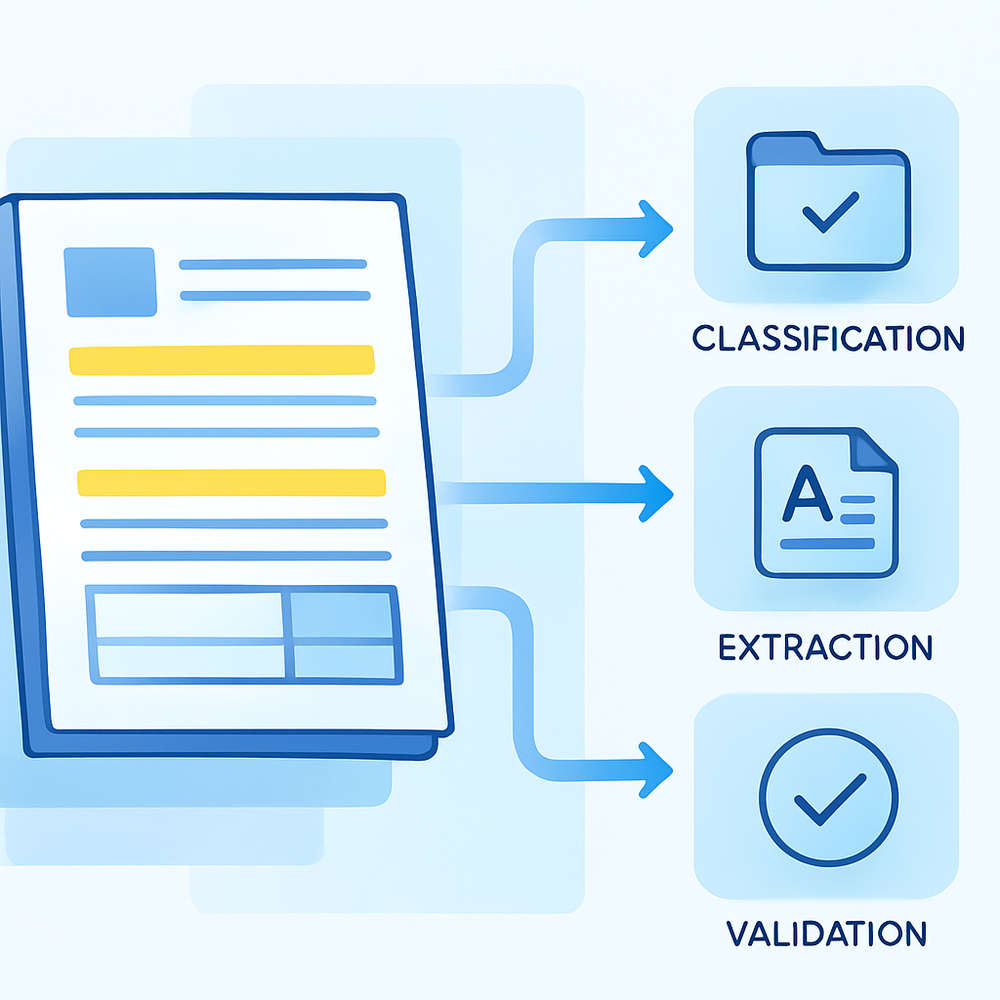
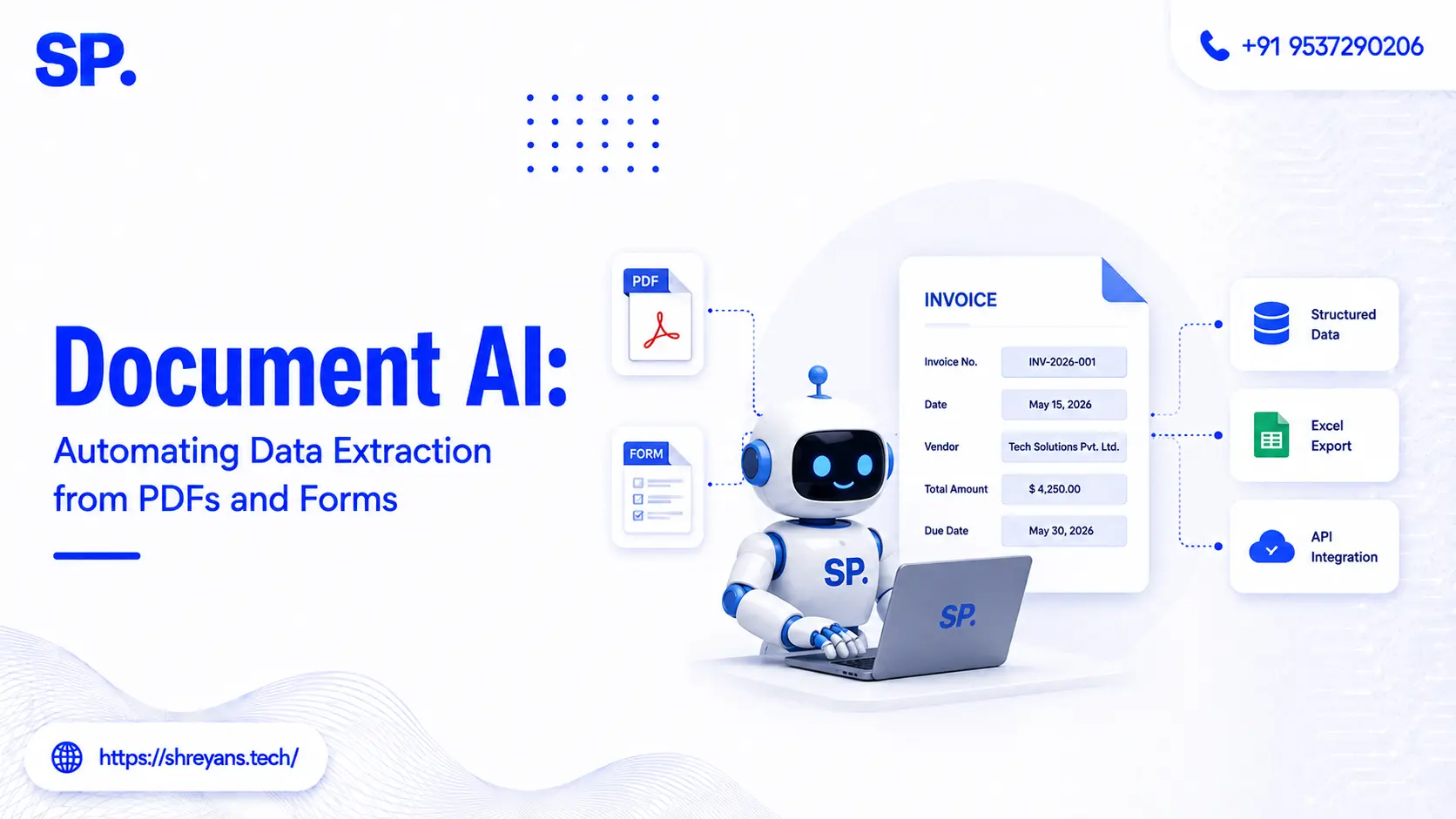
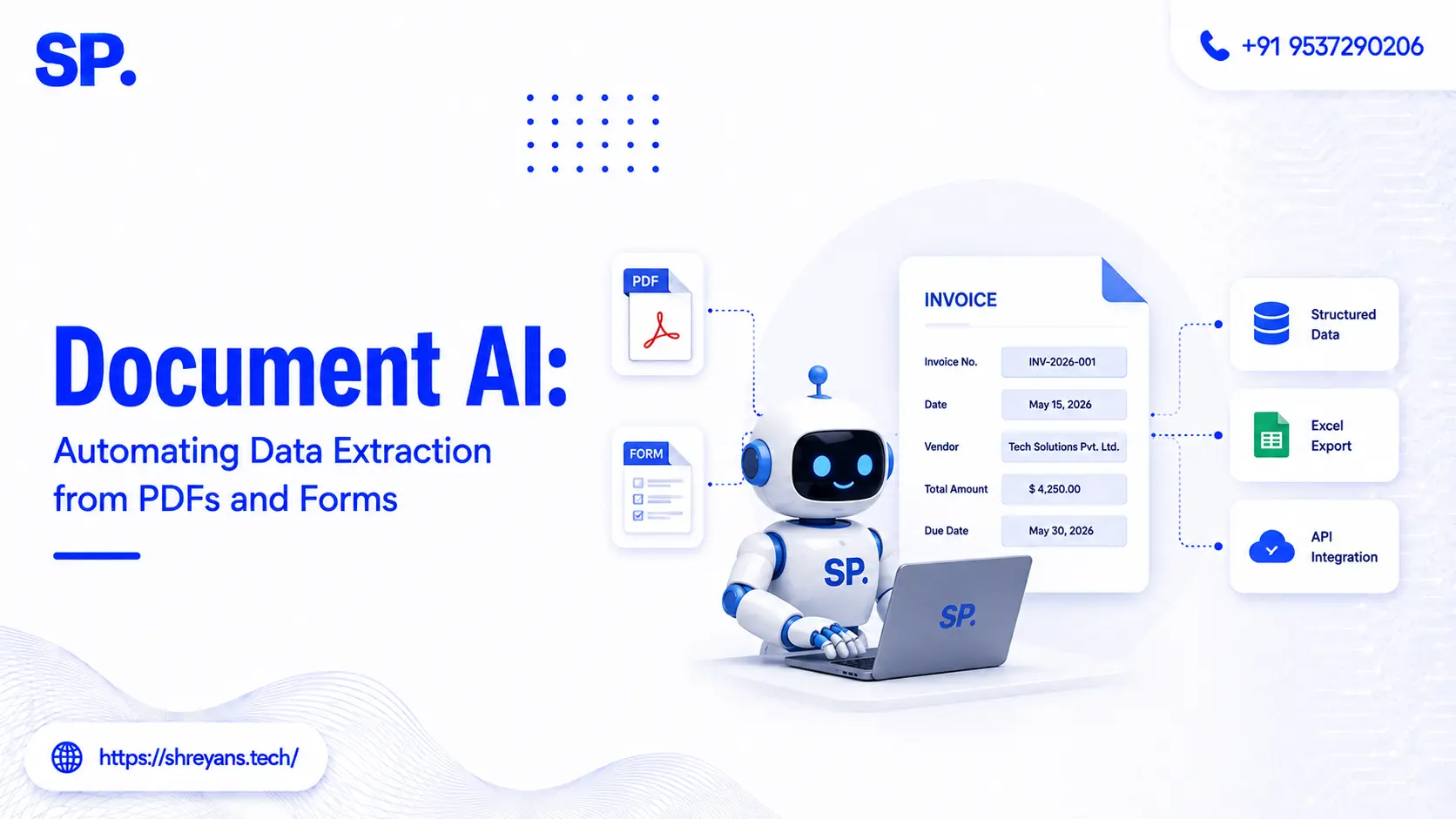
Document AI, often called intelligent document processing or IDP, adds the layer that OCR is missing: classification (what kind of document is this?), extraction (which fields matter and where are they?), and validation (does this extracted data make sense and match other sources?). The distinction matters commercially because a project scoped as "add OCR" and a project scoped as "automate our invoice workflow" have very different costs, timelines, and success criteria, even though they superficially involve the same documents.
Three Generations of Extraction, and Why the Latest One Changes the Math
Understanding where the technology sits today explains why projects that failed three years ago are now viable.
|
Generation |
Approach |
Where it broke |
|---|---|---|
|
Template-based OCR (roughly 2000–2015) |
You define exactly where on the page each field lives |
Any layout change breaks the template; a new supplier invoice format means starting over |
|
ML-enhanced extraction (roughly 2015–2023) |
Models learn field positions from labelled training examples |
Needs substantial labelled data per document type; struggles with handwriting and unusual layouts |
|
Vision-language models (2023 onward) |
The model reads the document as a unified visual and semantic object, not text-then-meaning in separate steps |
Higher per-page inference cost; still needs validation for high-stakes fields |
The practical shift with vision-language models is that they handle the document types that historically broke everything: handwritten forms, mixed-language documents, multi-column layouts, and scanned PDFs containing tables. Because the model interprets position, formatting, and nearby labels together, it can identify that a number in the bottom-right of a table is the total because of where it sits and what's printed next to it, rather than needing a rule that says so explicitly.
The Five-Stage Pipeline Every Real System Follows
Regardless of which extraction technology sits underneath, a production document AI system moves through the same five stages, and the ones businesses tend to underestimate are the last two.
1. Ingest
Documents arrive from email, a scanner, an upload portal, or an API. Image quality is set here and constrains everything downstream, scanned input below roughly 300 DPI produces materially worse results regardless of how good the model is.
2. Classify
The system identifies what type of document it's looking at and routes it to the right extraction logic. Skipping this stage is why single-purpose extraction tools break the moment a slightly different document type enters the pipeline.
3. Extract
The specific fields are pulled out and structured. This is the stage everyone focuses on, and the one that has improved most dramatically with vision-language models.
4. Validate
Extracted values are checked against business rules, cross-referenced against other sources, and assigned confidence scores. High-confidence results pass through automatically; uncertain ones route to a human reviewer. This human-in-the-loop layer is what makes the output trustworthy enough to feed a production system, and it's the piece most commonly missing from a demo that looked impressive.
5. Integrate
Structured data flows into the ERP, accounting system, CRM, or database where it actually gets used. An extraction system that produces a clean JSON file nobody consumes hasn't automated anything.
Realistic Accuracy and ROI by Use Case
Published deployment data across 2025 and 2026 converges on a consistent range: organizations running IDP at scale typically see 70% to 80% cost reduction on document processing, extraction accuracy in the 95% to 99% range once a validation layer is in place, and processing throughput up to 10 times faster than manual handling.
|
Use case |
Typical before |
Typical after |
|---|---|---|
|
KYC / identity onboarding |
30–60 minutes per file |
Under 5 minutes for standard applications |
|
Invoice processing |
~15 minutes per invoice |
Under 2 minutes, most routine cases straight-through |
|
Claims and forms intake |
Manual keying, high error rate |
Automated extraction with exception-only review |
|
Contract data extraction |
Line-by-line legal review |
Structured, searchable terms with flagged exceptions |
The financial services side of this is where the numbers are best documented. KYC automation with OCR covers how extraction and AI-driven validation combine specifically in identity verification workflows, where the extracted data has to be cross-referenced against external databases rather than simply captured. A related credit report validation system applied the same pattern to a different document type, automatically flagging discrepancies across credit reports and cutting manual audit cycles by 70% while holding 98% accuracy against manual review.
Hire Document AI Experts
Boost extraction speed with Document AI experts – Get Free POC Scoping
Get Free POC ScopingNot All PDFs Are the Same (and This Changes Your Cost)
One of the most common scoping mistakes is treating "PDF" as a single input type. A text PDF, where you can select and copy the text directly, already contains machine-readable content and is dramatically cheaper to process than a scanned PDF, which is really just an image of a page wrapped in a PDF container. A scanned document with handwritten annotations is harder again, and one scanned at low resolution or slightly rotated may be effectively unusable without preprocessing.
Before requesting a quote, sample your actual documents and sort them into these buckets. A vendor quoting against "we have PDFs" will price very differently once they learn that 40% of the volume is 2015-era scans with handwritten margin notes, and discovering that mid-project is one of the most common causes of a document AI budget running over.
Build vs Buy: Which One Actually Fits
Off-the-shelf IDP platforms handle common, standardised document types, invoices, receipts, standard tax forms, well and cheaply, typically on per-page or subscription pricing. They're the right choice when your documents look like everyone else's documents.
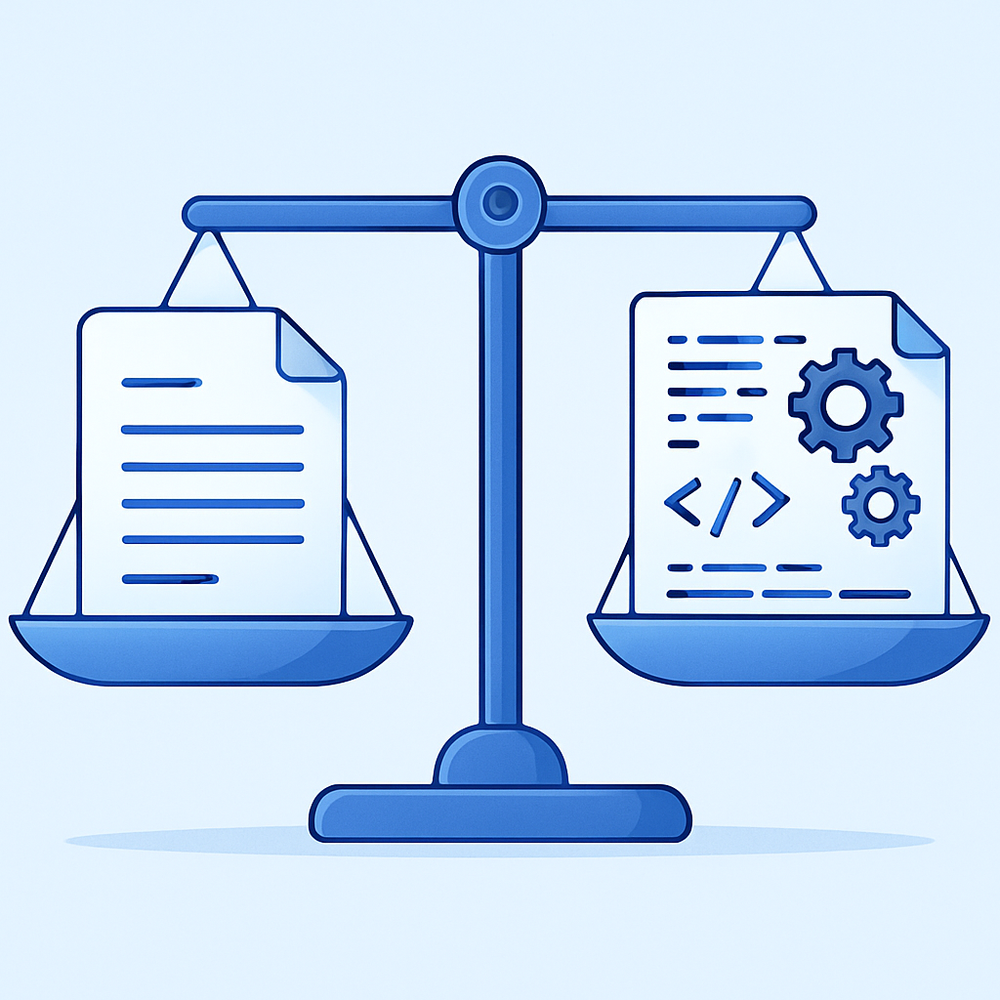
A custom build makes sense when your document types are proprietary or industry-specific, when extraction needs to integrate deeply with internal systems that a SaaS tool can't reach, when data residency or compliance requirements prevent sending documents to a third-party service, or when per-page pricing at your volume exceeds what a one-time build would cost. That last calculation is worth running explicitly rather than assuming, since high-volume operations frequently cross that threshold faster than expected.
If a custom build is the direction, the same scoping discipline that applies to any vision project applies here. scoping a CV project budget covers how to define an MVP tightly and where document-heavy projects tend to hide their real costs, particularly in data preparation and annotation.
What to Verify Before Committing to a Vendor or Build
Ask for accuracy on your documents, not their benchmark
A 99% accuracy claim measured on clean, standardised invoices tells you very little about performance on your actual document mix. Request a pilot run against a representative sample of your real documents, including the messy ones, before signing anything.
Confirm the validation and human-review layer exists
Ask specifically how the system assigns confidence, what threshold routes a document to human review, and what the reviewer interface looks like. A system with no exception-handling path will either silently pass bad data into your production systems or require someone to check everything manually, which defeats the purpose.
Clarify what happens when a document format changes
Suppliers redesign invoices, agencies update forms, and regulations change reporting templates. Confirm whether format changes require vendor intervention, retraining, or handle themselves, because this determines your real ongoing cost far more than the initial per-page price does.
Frequently asked questions
What is document AI extraction and how is it different from OCR?
How accurate is AI data extraction from PDFs and forms?
What ROI can businesses expect from automating document data extraction?
Should I buy an off-the-shelf IDP tool or build a custom extraction system?
Can document AI handle handwritten forms and poor-quality scans?
How long does it take to implement a document extraction system?



Shreyans Padmani
Shreyans Padmani has 5+ years of experience leading innovative software solutions, specializing in AI, LLMs, RAG, and strategic application development. He transforms emerging technologies into scalable, high-performance systems, combining strong technical expertise with business-focused execution to deliver impactful digital solutions.