OCR vs AI Document Understanding: What's the Difference?
A 2% character error rate sounds tolerable until that 2% lands on a policy number, a dollar amount, or a medication dosage. The error rate is uniform in calculation; the damage is concentrated in the fields that matter most.
There's a second problem that's less obvious and more consequential. A system can transcribe 98% of characters correctly and still get the fields wrong, because character accuracy and layout accuracy are independent measurements. Understanding that independence is the real answer to OCR vs AI document understanding, and it's the part most comparisons skip. This fits within the wider computer vision for business picture.
What OCR Actually Does
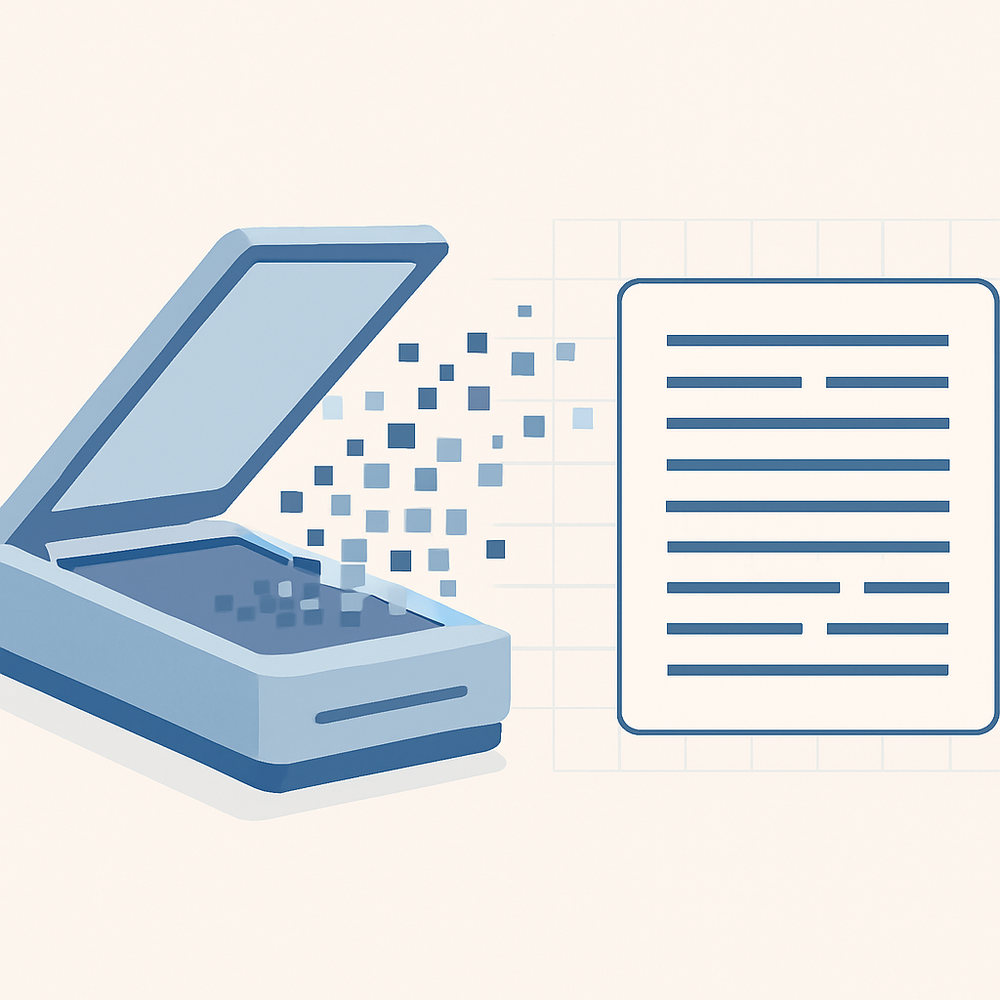
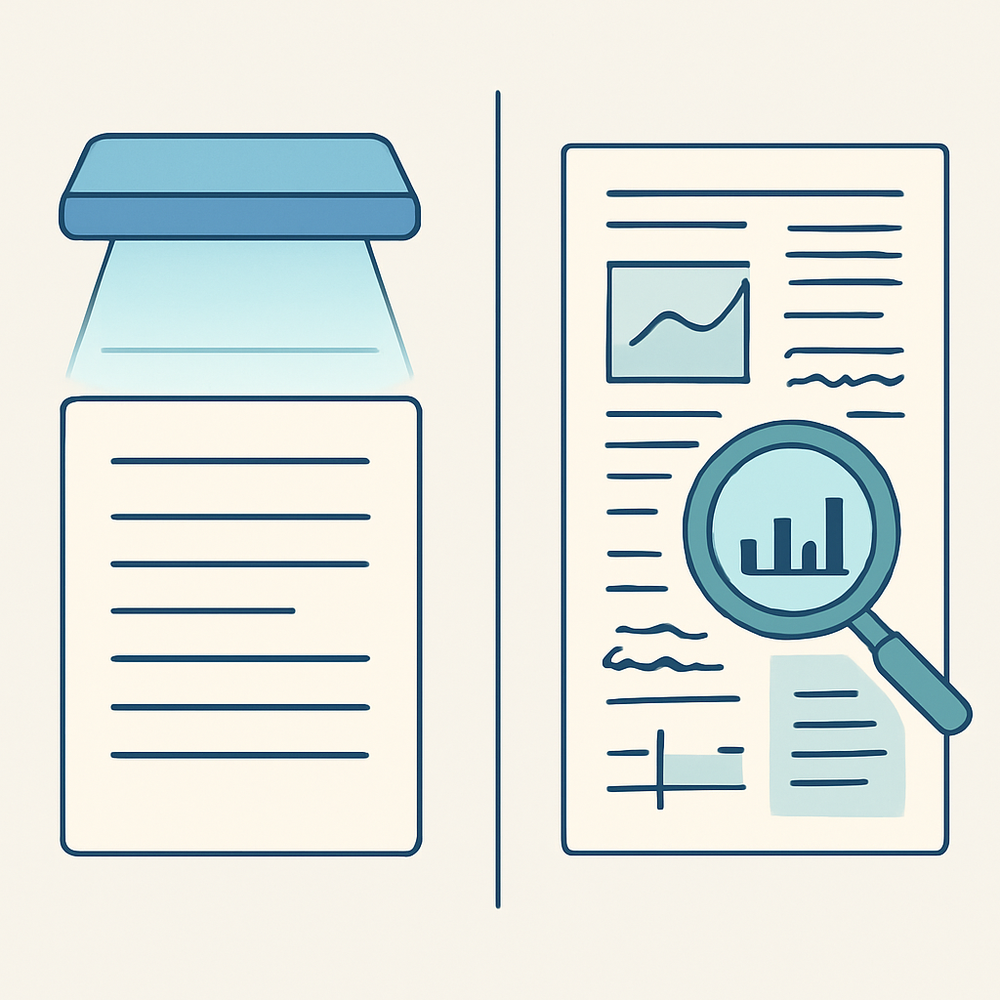
Optical character recognition converts pixels into characters. A classical engine locates text regions, segments them into individual characters or words, matches each shape against learned patterns, and often applies a language model to correct likely misreads. The output is text, usually with coordinates attached.
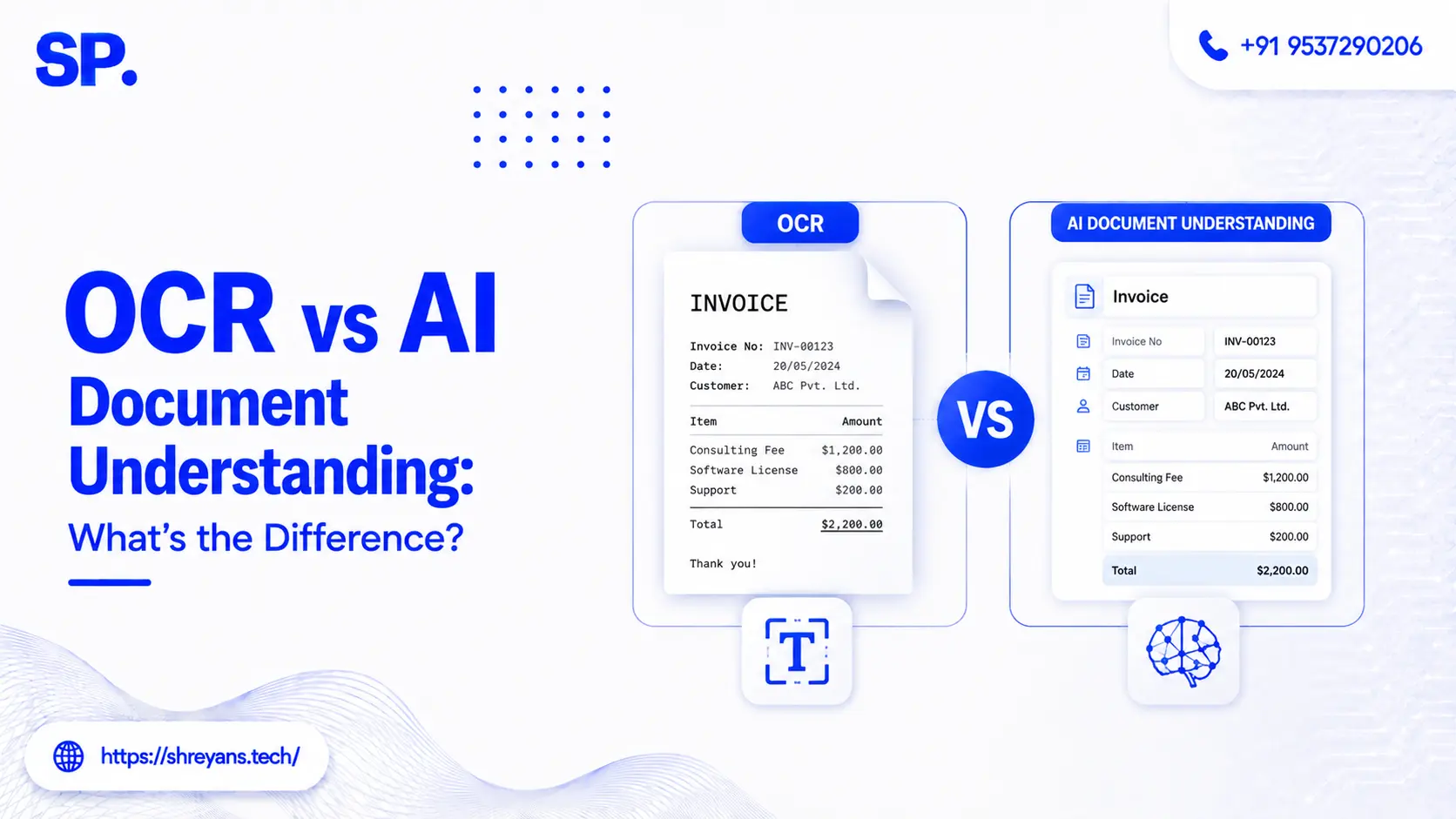
What it does not produce is meaning. OCR treats a page as a flat text grid to be read in sequence. It can tell you the page contains the number 4,820.00. It cannot tell you that this is the invoice total rather than a line item, a previous balance, or a tax figure, because nothing in the character stream encodes that relationship.
What Document Understanding Adds
Document understanding keeps character recognition and layers two things on top: layout and semantics.
Layout means recognising that a page is two-dimensional, not a linear string. Tables have cells with row and column relationships. Forms have labels paired to values. Documents have headers, footers, and columns that a left-to-right reading order would scramble. Flattening all of that into one text stream destroys the relationships that give the text its meaning.
Semantics means identifying what each extracted value represents: this string is the vendor name, this date is the due date, this figure is the total. Modern systems increasingly do both at once using vision-language models that read the page as a combined visual and textual object rather than recognising characters first and assembling meaning afterwards. That architectural shift is why these systems handle unfamiliar formats without format-specific training, where classical OCR pipelines need a template or a retrained model for each new layout.
Hire Edge Computer Vision
The Two-Axis Problem
Here is the crux, and it's why a single accuracy percentage is close to meaningless for document work.
Character accuracy and structural accuracy move independently. A parser can transcribe every character on a page correctly and still assign those characters to the wrong row, column, or field. The result is clean text mapped to the wrong place, which is worse than garbled text, because garbled text announces itself and a misassigned field does not.
|
Axis |
What it measures |
Typical metric |
What failure looks like |
|---|---|---|---|
|
Text extraction |
Whether characters are transcribed correctly |
Character error rate (CER) |
Garbled or missing characters |
|
Layout detection |
Whether regions, tables, and fields are identified correctly |
F1 on detected regions |
Clean text assigned to the wrong field |
A system scoring 95% on text extraction but 70% on layout detection will fail on any document where a field's identity depends on its position rather than its content. On insurance policies, loan packages, and medical records, layout errors propagate across every field that relies on positional context.
This is why field-level accuracy, whether the complete value of a named field is correct, is the operationally useful measure. The gap between the two axes shows up clearly in published benchmarks: traditional OCR engines commonly exceed 98% character accuracy on clean inputs while delivering only 70% to 93% field accuracy across diverse document streams, with AI-based systems reaching 95% to 99.5% field accuracy on the same material.
Hire Edge Computer Vision
The Failure Modes Are Different in Kind
Beyond accuracy levels, the two approaches fail in ways that demand different safeguards.
|
Classical OCR |
AI document understanding |
|
|---|---|---|
|
Error character |
Obvious: missing text, odd unicode, garbled strings |
Subtle: plausible but incorrect values |
|
How errors are caught |
Pattern matching and format validation |
Verification against the source document |
|
Poor image quality |
Degrades sharply |
More robust |
|
Unusual layouts |
Struggles; often needs a template |
Handles variation, may still mix structured data |
|
Handwriting |
Poor |
Improved but still challenging |
The operational implication matters more than the table suggests. OCR errors are noisy and self-announcing, so a validation rule catches them. AI extraction errors look correct, which means the safeguard has to be verification against the source rather than a plausibility check. A document verification in practice deployment illustrates why that source-checking layer is where the real reliability comes from.
When Plain OCR Is Still the Right Answer
Document understanding is not automatically the better choice, and over-engineering this is a common and expensive mistake.
Classical OCR remains the right tool when the input is clean, the layout is stable, and latency or cost matters. Standard forms with an unchanging structure, a W-9, a 1099, a fixed internal form, are ideal: the layout never varies, so positional rules do the semantic work reliably and cheaply. If the requirement is simply making scanned archives searchable, OCR alone is sufficient and considerably faster.
Document understanding earns its cost when layouts vary between sources, when tables or multi-column structures carry meaning, when handwriting is present, or when the same pipeline must handle formats it has never seen. Identity and onboarding workflows sit firmly in that category, and KYC automation with OCR shows how extraction and validation combine when documents arrive in many formats from many issuers.
Frequently asked questions
What is the difference between OCR and AI document understanding?
Why can a system have high OCR accuracy but still extract the wrong data?
What accuracy should I expect from document extraction?
Is OCR obsolete now that AI document understanding exists?
How do OCR errors differ from AI extraction errors?



Shreyans Padmani
Shreyans Padmani has 5+ years of experience leading innovative software solutions, specializing in AI, LLMs, RAG, and strategic application development. He transforms emerging technologies into scalable, high-performance systems, combining strong technical expertise with business-focused execution to deliver impactful digital solutions.